

🧾 Prerequisites
You must have a Pro Account with HuggingFace to obtain an API key.⚠️ Note: As of November 2023, HuggingFace no longer supports very large models (over 10GB) likeLLaMA-2-70Bon the Pro Plan. You’ll need to:The Pro Plan still works with smaller models, but these may yield suboptimal results for Hymalaia.
- Use a dedicated Inference Endpoint (paid)
- Or subscribe to an Enterprise Plan
🔑 Get Your Access Token
- Go to your HuggingFace user settings.
- Copy your User Access Token (
HFAccessToken).
⚙️ Set Up Hymalaia with HuggingFace
Refer to your deployment-specific documentation for setting environment variables.🧠 Using LLaMA-2-70B via Inference API
To configure Hymalaia for next-token generation using HuggingFace’s Inference API:- Navigate to the LLM page in the Hymalaia Admin Panel.
- Add a Custom LLM Provider with the following identifiers:

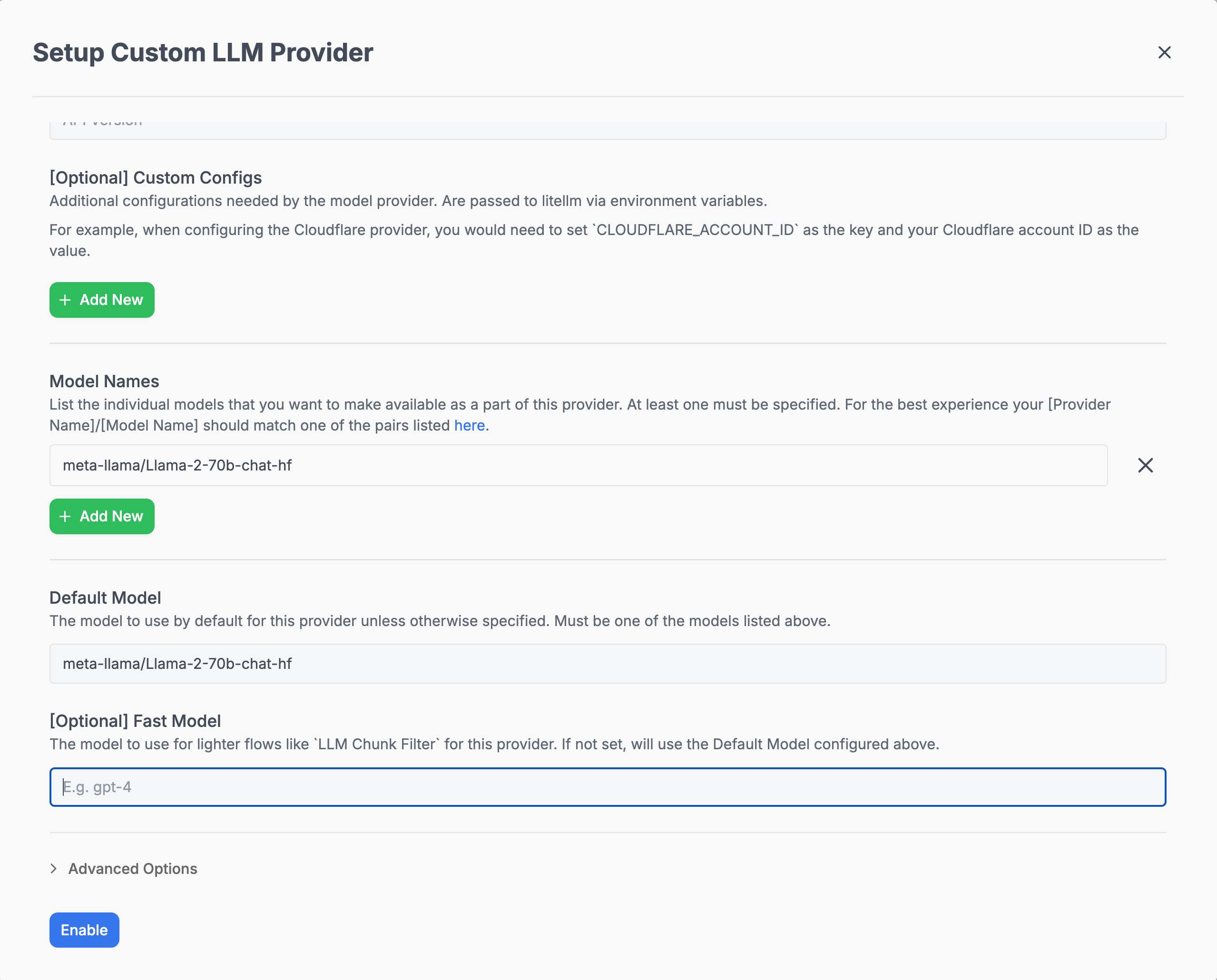
For more detailed setup and environment configuration examples, refer to the Model Configs.